How to type props in React with TypeScript
Typing props is a fundamental task when building robust React applications with TypeScript to ensure data integrity across your component tree.
As the creator of CoreUI, I’ve implemented type-safe prop systems in hundreds of production-ready components.
The most efficient and modern approach is using TypeScript interface or type aliases to explicitly define the shape of your component’s input data.
This practice not only prevents runtime errors but also provides excellent developer experience through IDE autocompletion and self-documenting code.
How to use async/await in React data fetching
Fetching data asynchronously is a fundamental requirement for modern React applications, yet managing the lifecycle of these requests can be tricky.
As a developer and the creator of CoreUI, I have implemented countless data-driven interfaces using React since 2014.
The most efficient and modern solution is to define an internal asynchronous function within the useEffect hook to handle the request lifecycle.
This approach provides a clean syntax that avoids “callback hell” and integrates seamlessly with React’s state management.
How to use Recoil in React
Managing global state in React often becomes a bottleneck when prop-drilling or Context API limitations begin to impact performance and developer experience. As the creator of CoreUI, I have architected dozens of enterprise-grade dashboard templates where state synchronization is critical. From my expertise, the most efficient and modern solution for fine-grained state management is Recoil, which introduces a graph-based approach using atoms and selectors. This library provides a highly performant way to share state across components without the boilerplate of Redux or the re-render issues sometimes found in complex Context providers.
How to use TypeScript with React hooks
Integrating TypeScript with React hooks is essential for building scalable, bug-free applications in the modern web ecosystem.
As the creator of CoreUI, I have built dozens of production-grade libraries where type safety was the foundation of reliability.
The most efficient way to use TypeScript with hooks is by leveraging Generics, which allow you to define the shape of your data while maintaining the flexibility React provides.
By explicitly typing your hooks, you ensure that your components are self-documenting and that common errors are caught at compile-time rather than in production.
How to build an e-commerce cart in React
Building a reliable e-commerce cart in React requires a solid understanding of state management and component composition. As the creator of CoreUI, I have architected countless e-commerce systems that scale from simple prototypes to high-traffic production environments.
The most efficient approach involves using the React Context API to manage global cart state, ensuring that product data remains synchronized across your entire application. By leveraging modern hooks and robust UI components, we can create a seamless shopping experience that is both performant and easy to maintain.
How to debug React with console.log
Debugging React with console.log() is one of the quickest ways to understand how state, props, and events flow through your components. As the creator of CoreUI, I reach for console.log() constantly during local development to trace exactly when and why a component updates. The key is knowing where to place your logs — inside useEffect() for state changes, inside event handlers for user interactions, and never directly in the render body for production code.
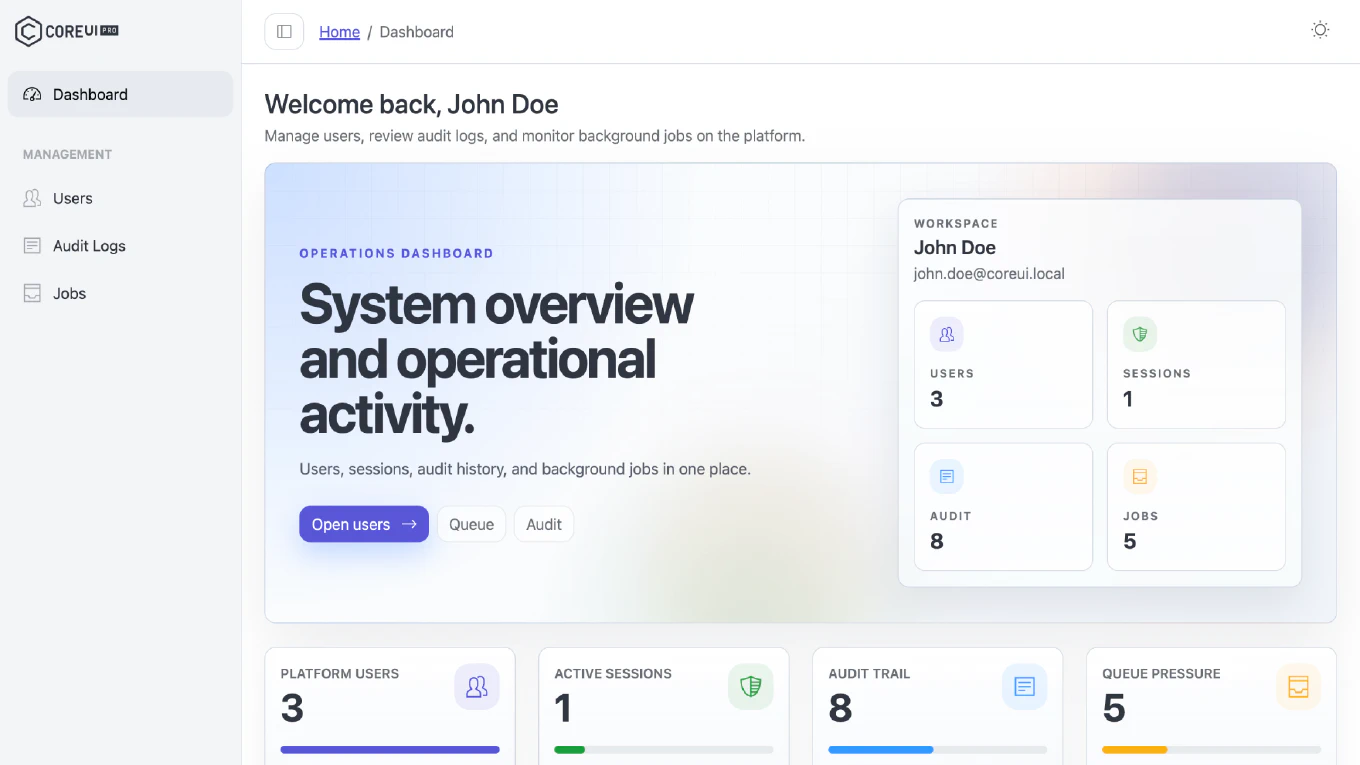
How to build a dashboard in React
Building a dashboard in React requires a layout with a sidebar and header, lazy-loaded routes for each section, and data visualization components that load data asynchronously.
As the creator of CoreUI — an open-source UI framework used by over 500,000 developers — I designed the React dashboard template architecture that powers thousands of production admin panels.
The key pattern is a layout wrapper component that renders the sidebar, header, and a content area with <Outlet />, combined with React Router’s lazy() for code splitting.
This ensures the initial bundle is small and each dashboard section loads only when visited.
How to use Jotai in React
Jotai is an atomic state management library for React that stores state as small, composable atoms — individual pieces of state that components subscribe to directly, re-rendering only when that specific atom changes.
As the creator of CoreUI, I use Jotai when an application needs fine-grained reactive state updates with minimal overhead and no external state management infrastructure.
Jotai atoms are simpler than Redux slices and more granular than Zustand stores, making them ideal for UI state like filter values, modal open/close, or selected items in a list.
The API is intentionally minimal — just atom() and useAtom().
CoreUI Free React.js Admin Template v5.6.0

We’re excited to announce the release of CoreUI Free React.js Admin Template v5.6.0 on March 30, 2026! This update focuses on critical bug fixes, performance improvements, and enhanced developer experience with memory leak fixes and Fast Refresh support.
CoreUI PRO React Admin Template v5.9.0
We are excited to announce the release of CoreUI PRO React Admin Template v5.9.0 on March 30, 2026! This update brings JSX file extension refactoring, critical memory leak fixes, comprehensive dependency updates, and improved code organization to deliver a more maintainable and performant enterprise admin template.